Wells CathedralClipart ETC: An online service of Florida's Educational Technology Clearinghouse

Wells Cathedral

Wells CathedralWells CathedralWells Cathedral

To use any of the clipart images above (including the thumbnail image in the top left corner), just click and drag the picture to your desktop. You may also control-click (Mac) or right-click (Windows) and choose "Save file to disk" from the pop-up menu. Click here for help downloading and using clipart files.

Download TIFF* File

* A TIFF file is a high-resolution (240 dpi) format. TIFF files should be used only if you are printing the clipart. Do NOT use TIFF files for clipart that will displayed on a computer screen. Click here for help downloading and using TIFF files.

File Name: wells_cathed_27924
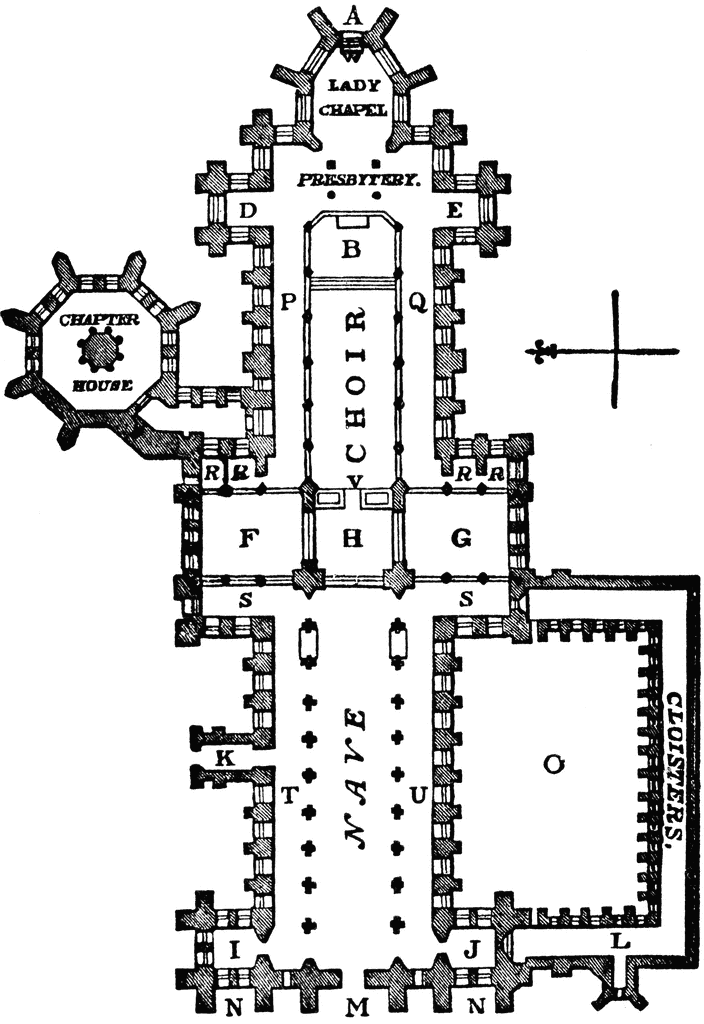
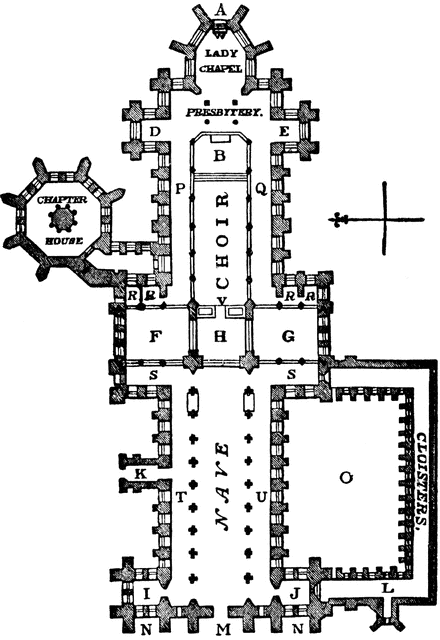
Description: "Plan of Wells Cathedral. A, Apse or apsis. B, Altar, altar-platform, and altar-steps. D E, Eastern or lesser transept. F G, Western or greater transept. H, Central towers. I J, Western towers. K, North porch. L, Library or register. M, Principal or western doorway. N N, Western side doors. O, Cloister yard or garth. P Q, North and south aisles of choir. R S, East and west aisles of transept. T U, North and south aisles of nave. R R, Chapels. V, Rood screen or organ loft. W, Altar of Lazy chapel." — Winston's Encyclopedia, 1919
Source: Editor in Chief Charles Morris Winston's Cumulative Loose-Leaf Encyclopedia (Philadelphia: The John C. Winston Company, 1918) II
Keywords: Wells, Cathedral, Apse, Apsis, Altar, Transept, Library, Aisle, Nave,

Copyright: 2009, Florida Center for Instructional Technology. See license.

Main MenuSite MapSearchLicenseClipart Help


Clipart ETC is a part of the Educational Technology Clearinghouse and is funded by various grants. Produced by the Florida Center for Instructional Technology, College of Education, University of South Florida. Email the project manager.


Clipart ETCEducational Technology Clearinghouse