Adjusting the CompassClipart ETC: An online service of Florida's Educational Technology Clearinghouse

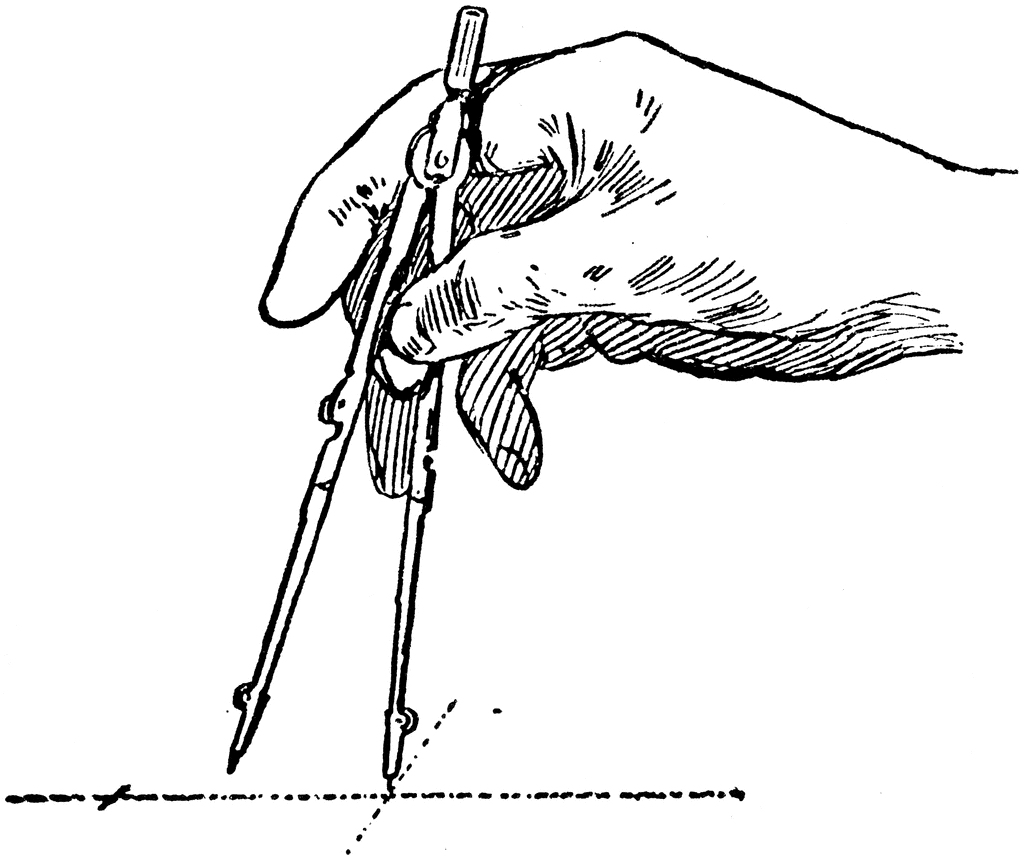
Adjusting the Compass

Adjusting the Compass Adjusting the Compass Adjusting the Compass

To use any of the clipart images above (including the thumbnail image in the top left corner), just click and drag the picture to your desktop. You may also control-click (Mac) or right-click (Windows) and choose "Save file to disk" from the pop-up menu. Click here for help downloading and using clipart files.

Download TIFF* File

* A TIFF file is a high-resolution (240 dpi) format. TIFF files should be used only if you are printing the clipart. Do NOT use TIFF files for clipart that will displayed on a computer screen. Click here for help downloading and using TIFF files.

File Name: 44370_adjust_comp
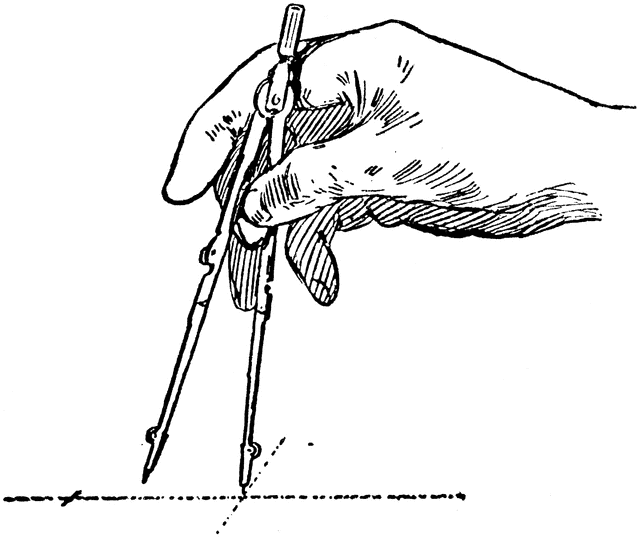
Description: In changing the compass from a small to large radius, hold the legs together with one hand and spin the nut with the other, in order to save wear on the threads.
Source: Thomas E. French and Carl L. Svensen Mechanical Drawing For High Schools (New York: McGraw-Hill Book Company, Inc. , 1919) 10
Keywords: compass, drawing arcs, drawing circles, compass points, tips, adjusting, draw, cartography

Copyright: © 2004–2012 Florida Center for Instructional Technology. See license.

Main MenuSite MapSearchLicenseClipart Help


Clipart ETC is a part of the Educational Technology Clearinghouse and is funded by various grants. Produced by the Florida Center for Instructional Technology, College of Education, University of South Florida. Email the project manager.


Clipart ETC Educational Technology Clearinghouse