Educational Technology Clearinghouse


ETC Home

Search ETC

Subjects:

Arts: Dance
Arts: Music
Arts: Theatre
Arts: Visual Art
Career & Technology
Foreign Language
Health
Language Arts
Mathematics
Physical Education
Science
Social Studies

Resources:

Access Issues
Administration
Adult Education
Assessment
Classroom Management
Clip Media
Colleges
Conferences
ESE
Family & Community
Grants & Funding
Internet Safety
Reading First
Research
Teaching Methods
Tech Support

Universal Access

Site Key:
Kid Friendly = Kid Friendly
Ads or Commercial = Ads or .Com
Florida Resource = Florida
About Site Key

Add a Link

clear spacer

clear spacer

spacer

Language Arts

Lesson Plans PreK-2

Resources | Professional
Lesson Plans: PreK-2 | 3 - 5 | 6 - 8 | 9 - 12


Lesson Plans

  • A Day in the Life: Students will use knowledge and experience to tell about events.

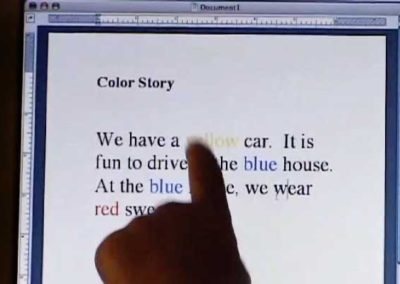
  • Color Story: Students will identify the names of colors by changing the words in a word processing document to the appropriate color.

  • Creating Plants: Students will communicate ideas and information about plants effectively.

  • Habitat Movies: Students will produce a piece of writing that describes an animal and its habitat.

  • Interactive Journeys: Students will use technology to enhance their field trip.

  • Making Words: Student will be able to identify and generate words using the strategies of phonics by using the computer in conjunction with their current word work program.

  • Nike Transitions: Student will develop a definition of transitions by watching a movie and making their own.

  • Peanut Butter and Jelly Sandwich Make a movie which shows how to make a peanut butter and jelly sandwich.

  • Pirate Map: Students will write directions explaining how to get from one location to another by using a map of their town.

  • Plant Journal: Student will use words to describe how organisms change as they grow and mature.

  • Prior Knowledge: Student will use knowledge of appropriate level vocabulary in reading by building background knowledge of a book through the use of pictures on the web.

  • Puzzles: Student will match visual attributes by completing puzzles of known objects.

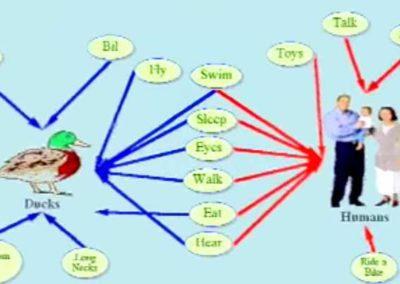
  • Sensory Details: Students use Kidspiration as a tool to help them make observations and use sensory details in their writing.

  • Sequencing: Student will sequence familiar daily events.

  • Shapely People: Students will identify shapes and colors by creating a shape person.

  • Small Group Reading: Student will use web sites that contain book-like stories for small group reading instruction.

  • Student/Picture Match Game: Student will use Kidspiration as a tool to help students learn each others' names.
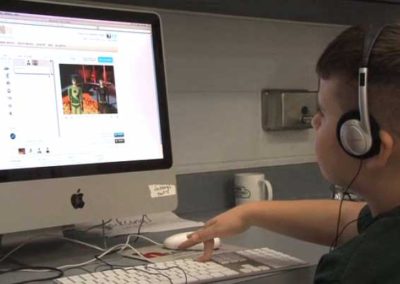
  • Talking Books: Student will develop their reading skills by reading along with the movie.

  • Visions of Peace Make video to help your students learn how others see a world with peace.

  • Water Conservation: Students will understand how scarcity affects the choices people make about water in everyday situations.
Internet Lesson Plans

Top

  • Academy Curriculum Exchange
    http://ofcn.org/cyber.serv/academy/ace/lang/elem.html

    Lesson plans for Language Arts for K-5 grade levels with emphasis on language arts. Each lesson is clearly marked for grade level appropriateness.
  • Baltimore Public School Curriculum Project
    http://www.cstone.net/~bcp/BCPIntro2.htm
    These lessons generally follow the grade-by-grade topics in the Core Knowledge® Sequence, but they have been developed independent of the Core Knowledge Foundation.
  • Language Art Lesson Plans
    http://www.col-ed.org/cur/lang.html

    Language Arts activities with step-by-step instructions for all grade levels.

  • Lesson Plan Page
    http://www.lessonplanspage.com/LA.htm
    The Lesson Plan Page: Lesson plans created by teachers for teachers. Includes a search feature and educators forum.

  • Thinkfinity
    http://www.marcopolo-education.org/
    Thinkfinity provides quality, standards-based Internet content and lesson plans for K-12 teachers and students.

Suggest a site.

Last Updated
August 19, 2008

Top

ETC is a collaborative project of the Bureau of Educational Technology, Florida Department of Education and the Florida Center for Instructional Technology, College of Education, University of South Florida. The links included in this clearinghouse appeared to contain useful information at the time they were chosen. If you discover that a site linked from this clearinghouse is no longer relevant, or has inaccurate or inappropriate content, please email the project director.