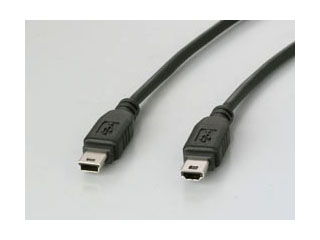
USB (Universal Serial Bus) is the most popular connection used to connect a computer to devices such as digital cameras, printers, scanners, and external hard drives. USB is a cross-platform technology that is supported by most of the major operating systems. On Windows, it can be used with Windows 98 and higher. USB is a hot-swappable technology, meaning that USB devices can be added and removed without having to restart the computer. USB is also “plug and play”. When you connect a USB device to your PC, Windows should detect the device and even install the drivers needed to use it.
There are two versions of USB. The original version of USB, USB 1.0, only supported speeds of up to 11 Mbps and was used mostly to connect keyboards and mice. The latest version of USB, which is known as USB 2.0, supports speeds of up to 480 Mbps. In order to take advantage of the higher speeds of USB 2.0 you will need to have ports installed on your computer that are also USB 2.0. Most computers built in the last three years will include USB 2.0 ports. When buying USB cables make sure they say Certified High Speed USB on the box so that you are getting the fastest cable.
USB connectors come in three different types:
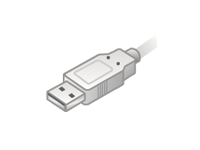
- The Type A connector is the flat connector that plugs into the USB port on your computer.
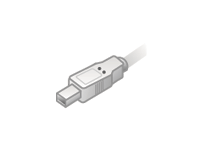
- The other end of the USB cable can be either Type B or mini-Type B. The bigger, square-shaped Type B connector is often used for scanners and hard drives.
- A smaller, trapezoid shaped mini-Type B is used for cameras, MP3 players and other smaller devices.