NOTE: As of March 16, 2016, Google ceased to support Picasa and encouraged users to migrate to Google Photos. The Picasa application will continue to function, however, and can still be used by those who prefer it. We are maintaining the Picasa posts within TechEase because we find that many people are still using the application and come to the TechEase site looking for the specific help we offer.
You can use the Effects tab of the editing window to change the appearance of your pictures using Picasa’s built-in filters. You apply an effect by clicking on the button that has a thumbnail of your image with the effect applied to it. This is meant to give you an idea of what the effect does.
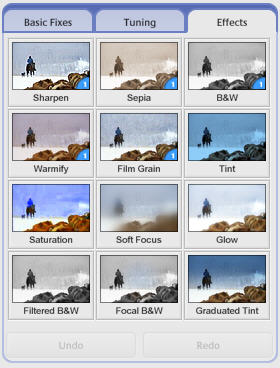
To create a black and white image, click on the B&W button. You can also create a Sepia image, which adds an “old-fashioned” feel by changing the picture to a reddish brown tone. In all there are twelve effects that can be added with Picasa. You can undo the changes you have made at any time by clicking on the Undo button.
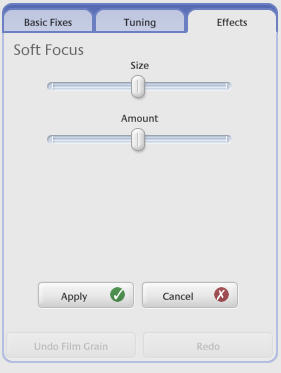
When you click on most effects, a set of sliders or buttons will be displayed so you can modify how the effect is applied.