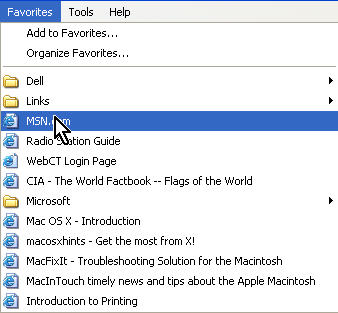
Both Internet Explorer and Firefox provide a way to create a list of your favorite sites that you can access them with a click of the mouse. In IE, these lists are called favorites, while in Firefox they are called bookmarks.
To create a new bookmark in Internet Explorer, choose Favorites, Add to Favorites (or use the keyboard shortcut Control + D) while you are on the site you want to save as a bookmark.
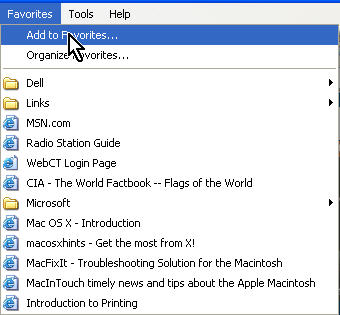
You can also choose Favorites, Organize Favorites to manage your bookmarks by creating folders to organize your bookmarks into categories.
In Firefox, you can add a bookmark by choosing Bookmarks, Bookmark This Page (or using the shortcut Control + D). As with IE, you can manage your bookmarks by choosing Bookmarks , Manage Bookmarks.
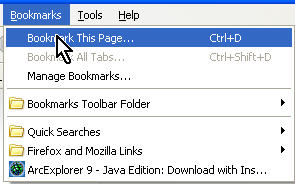
Whenever you want to view the web page you have saved as a bookmark, choose either Favorites or Bookmarks from the menu bar at the top of the browser window and then select the bookmark you want to open.