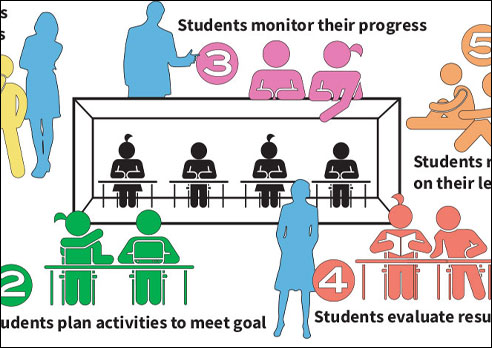

Engage Students


Plan Initiatives

Document Success

Support PD

Enhance Coaching
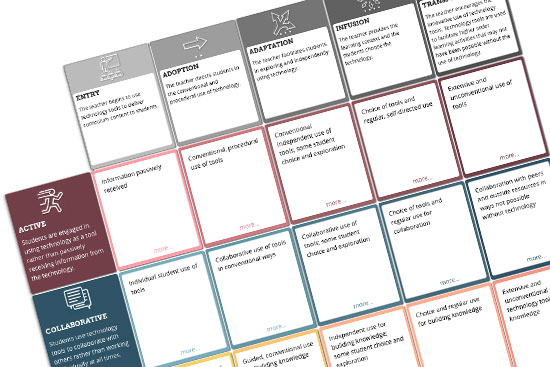
The Matrix
Want to improve tech integration?
Looking for next steps?
The Technology Integration Matrix (TIM) provides a framework for describing and targeting the use of technology to enhance learning. Videos from the Matrix are also available arranged by subject area or by grade level. This section includes background information on the development of the TIM.

Getting Started
New to the TIM website?
Want to find what applies to you?
We’ve created short introductions to the TIM and TIM website from various perspectives. You may wish to start out by selecting your role or reason for visiting:
• TIM in the Classroom
• TIM for Staff Development
• Tech Coaching and the TIM
• TIM for Educational Leaders
• TIM for Research & Evaluation

TIM Evaluation Tools
Determining PD needs?
Evaluating technology effectiveness?
Our technology integration evaluation suite includes a technology uses and perceptions survey, an observation instrument, coaching and action research tools, and a survey maker all managed by one admin center. Discover how others are using TIM Tools and how to get started yourself. See what our evaluation tools have to offer.
TIM Resources
Looking for training materials?
Need to refresh your current presentations?
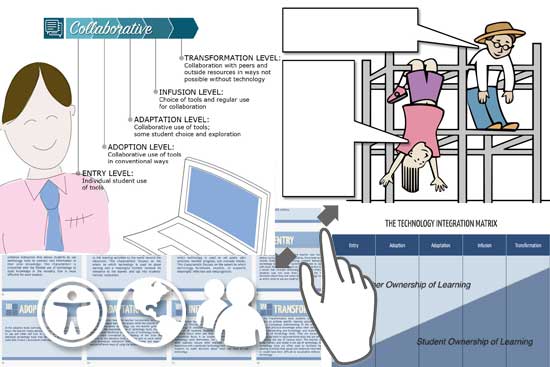
Our Resources section includes PPT and Keynote presentations, TIM graphics, and a great collection of tech cartoons and other elements you can use to make your own presentations. Find fresh training Resources today.
FAQs
Still have questions about TIM?
Or questions about TIM Tools?
The Frequently Asked Questions page has sections of answers about the TIM and each of the TIM Tools (TUPS, TIM-O, TIM-C, ARTI, the Survey Tool, and the Admin Center).
The TIM Tools Administration Guide provides complete instructions for using and administering each of the tools within the TIM Tools suite.
Our Teaching and Learning with Technology blog also considers frequently asked questions.

Want To Know More?
Schedule a personal walk-through of the TIM Tools for yourself or your staff. See how this flexible set of technology integration tools will meet your school or district's specific needs.
Get an Instant TIM Tools Quote!
Use our no-obligation quote generator to create an instant TIM Tools license quote you can submit to your school or district's purchasing department.

Professional Learning
Looking for PD for yourself?
Providing PD for others?
Our Professional Learning section has something for everyone, including teachers, coaches, trainers, researchers or evaluators, and school leaders. We also offer online courses each month through our iTeach program. Get started with TIM Professional Learning.
FCIT Newsletter
Prefer having TIM news delivered to your mailbox?
Each month FCIT publishes a newsletter with short articles on teaching and learning with technology and using digital content in the classroom. Recent TIM topics include:
- Active Learning: Engaging Students’ Minds
- Collaborative Learning: Building Knowledge in Community
- Constructive Learning: Making Connections
- Authentic Learning: Mirroring the Real World
- Goal-Directed Learning: Escape from the “Schoolwork Box”
- The Invisible Technology Integration Matrix
- Why Does the TIM Have 5 Levels?
- TIM Instructional Planning Model
- Ultimate Teaching Device
- Using the TIM-C Coaching Tool
- Choosing Models and Modeling Choices
- ISTE Standards and the TIM
- Bloom’s Cognitive Taxonomy and the Technology Integration Matrix
- TPACK and the Technology Integration Matrix
- The SAMR Model and the Technology Integration Matrix
- TIM-Powered Research and Evaluation
- TUPS: Using Collection Frameworks
- Extensity: A Teacher’s Highest Integration Level
- Highest Levels Observed: The High Watermark for an Observation
- Flexibility: A Teacher’s Range of Technology Integration Levels
- Level Prevalence: A Snapshot of Typical Teacher Classroom Technology Use
- Characteristic Dominance: A Key to Targeting Professional Development
- When Old Tech Is Better
- Leveraging TIM Tools Roles for Research and Evaluation
- Nail Your Next Tech PD with the Quadrant Graph

TIM Research
Interested in the development of TIM?
Looking for related research?
The TIM Research page explains the history and development of the Technology Integration Matrix and provides references to related research and studies that have utilized the TIM or TIM Tools.

Teaching & Learning with Technology
Looking for the latest TIM news?
Interested in TIM Tools updates?
This series features articles related to the Technology Integration Matrix and TIM Tools. Here are some samples:
Stockholm International School IT Driver’s License
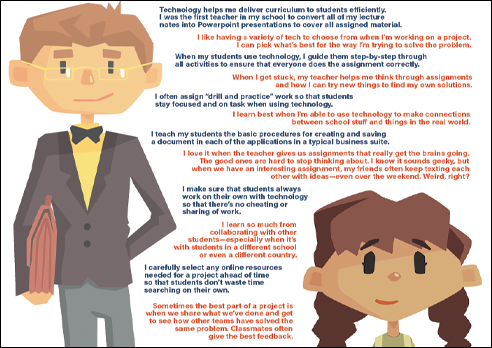
Ownership of Learning with Technology
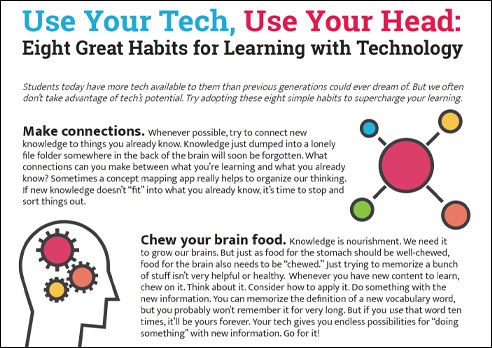
Eight Great Habits for Learning with Technology