Most email applications allow you to set up email groups that can contain several email addresses (a mailing list). You can select the email group as the To address whenever you need to send an email to all the people whose addresses have been added to the group.
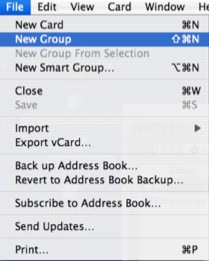
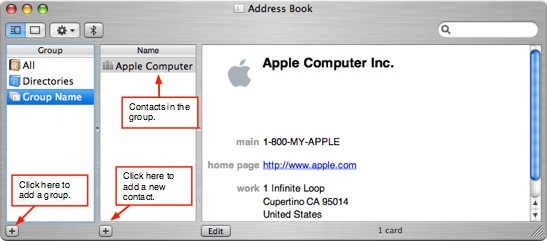
To use a mailing list in Mail, you must first set it up as a group in Address Book, the contact management application built into OS X. Setting up a new contact list in Address Book is easy. Select File, New Group and enter a name for the new group in the Group column. You can also click on the Add (+) button at the bottom of the Group column.
To add a contact to the new group, click on the Add (+) button in the Name column.
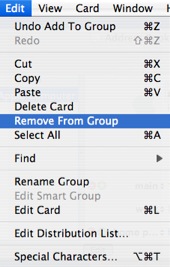
To remove a contact from the group, select the group so that the members are listed in the Name column, then select the name of the contact you want to remove and choose Edit, Remove from Group. To delete a group, choose Edit, Delete Group.
Once you have set up a group in Address Book, you can use it to send email to all of its members in Mail by typing the group name in the To field of your message.
