An alias is a pointer to a file or folder on your hard drive. The alias is a small file that takes very little space because it only has information about the location of the original file. It is not an exact copy of the original file. When you delete the alias, the original file it points to is not deleted. You can identify aliases by the small arrow that appears on the lower left corner of its icon.
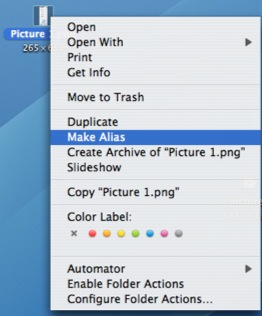
To create a new alias, control-click (or right-click if you have a two-button mouse) on a file or folder and select Make Alias.
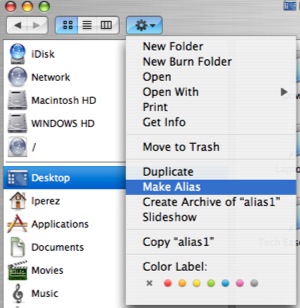
You can also access this option by using the Action button at the top of a Finder window.
A quick way to create an alias is to hold down the Command and Option keys while you drag a file or folder. The pointer will change to an upward pointing arrow to let you know you’re creating a new alias. The new alias will have the same name as the original file or folder, but the icon will include a curved arrow to indicate that it is an alias.
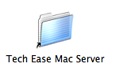
You can move the alias to a different location on your hard drive and it will still work.
