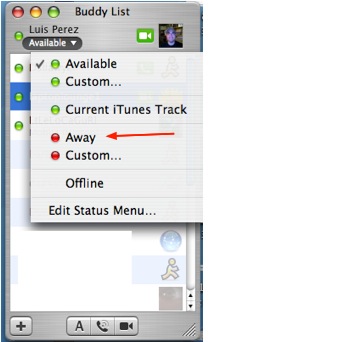
You can change your status from Available to Away if you need to step away from your computer for a short period of time. This way your online contacts know not to invite you to a chat while you are away.
To change your online status to Away, click on the status pull-down menu that appears below your name in the Buddy List window, then select Away.
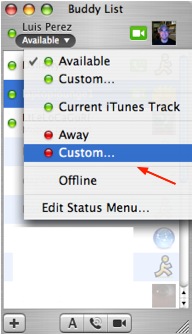
You also have the option of creating a custom message that will be displayed when someone tries to invite you to a chat while your status is set to Away (you can do this for Available as well). To create a custom message, select the Custom option from the status pull-down menu. The status pull-down menu will change to a text box where you can enter your custom message.
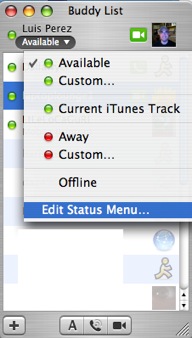
You can manage your custom messages by selecting Edit Status Menu from the status pull-down menu.
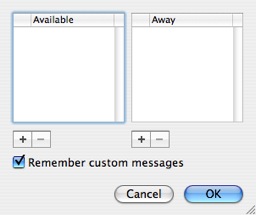
This will open up a window with two columns, one for Available and one for Away. You can use the plus and minus buttons below each column to add and delete custom status messages.