NOTE: As of March 16, 2016, Google ceased to support Picasa and encouraged users to migrate to Google Photos. The Picasa application will continue to function, however, and can still be used by those who prefer it. We are maintaining the Picasa posts within TechEase because we find that many people are still using the application and come to the TechEase site looking for the specific help we offer.
Picasa allows you to order prints from some of the most popular online print providers. To order prints, select the pictures you want to have printed in the Lightbox so that they are in the Picture Tray. Next, click on the Order Prints button to open up a list of online print providers.
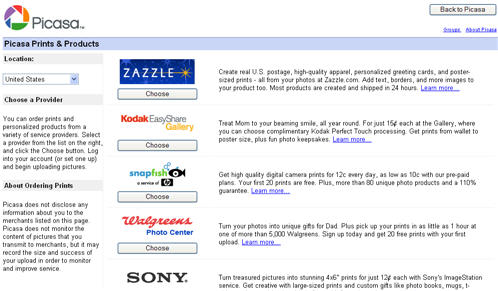
When you select a print provider, Picasa will open up a window where you can log into the website of that provider.
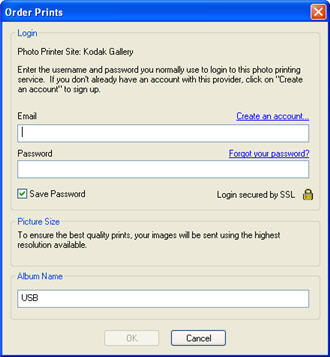
If your login information is correct, Picasa will transfer the pictures you have selected to the website, where you can select the number of prints you want and other options.
